Shopify
Approve access on Shopify. Edited images go to the product you matched, replacing or adding to its gallery.
 Make itPhoto Studio
AI product photo studio for online stores
Take a photo on your phone, pick a look, approve the edit. Make it sends the finished image straight to the right Shopify product.
One screen, no design tools, nothing to install.
Shoot on any phone or upload photos you already have. We shrink them for speed and strip location data.
Type a SKU or pick the product from your store, so every image lands on the right listing.
Choose from looks made for your industry. No prompts to write, the same style every time.
Review the edit, then send it to Shopify in one click. Nothing goes live without you.
Every look is tuned for real product photos. Filter by what you sell.
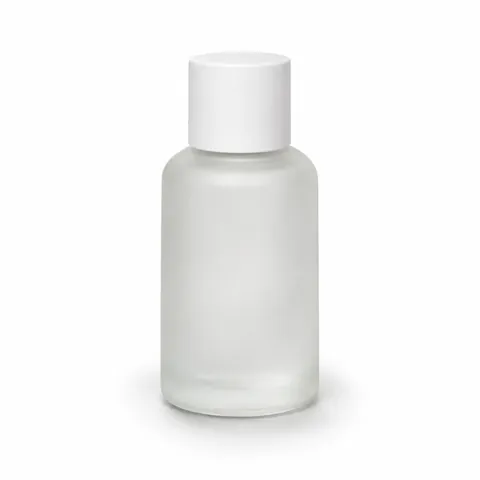 White packshot
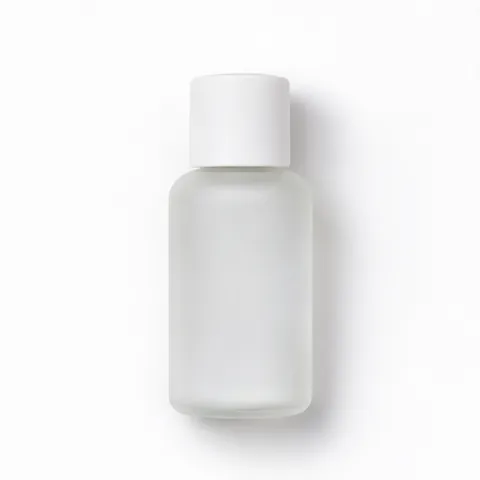 Plain white, flat lay
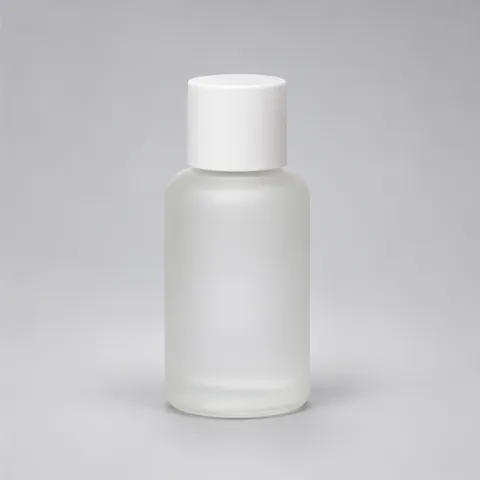 Light grey studio
 Lifestyle tabletop
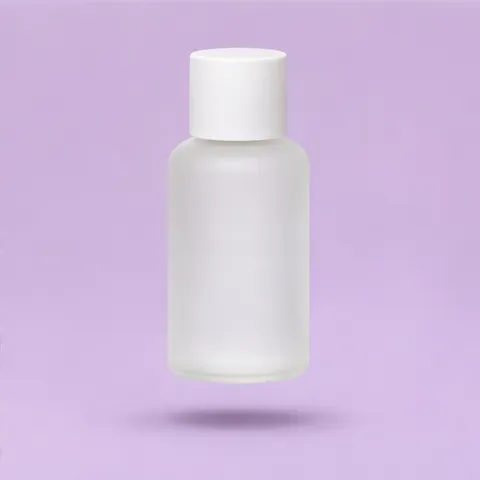 Soft colour float
 Hanger on warm wall
 Bottoms on clip hanger
 Shoe pair on oak block
 Invisible mannequin
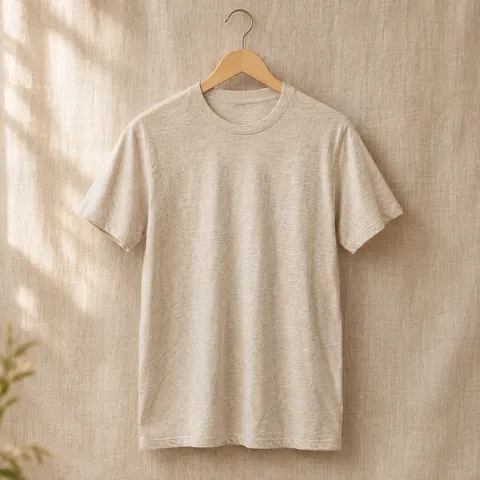 Linen + window light
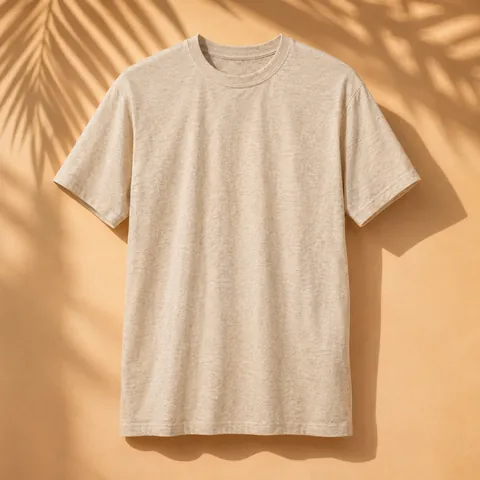 Editorial shadows
 Pastel flat lay
 Calm nursery
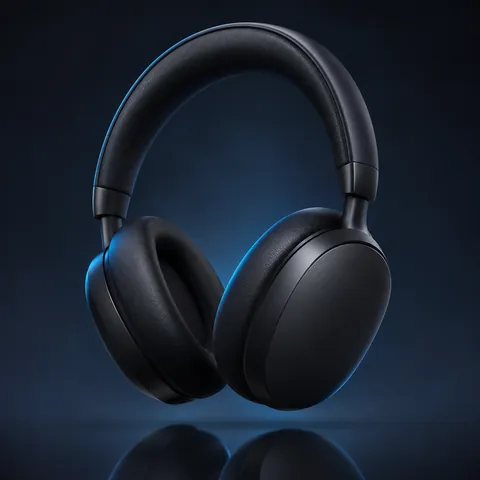 Dark tech float
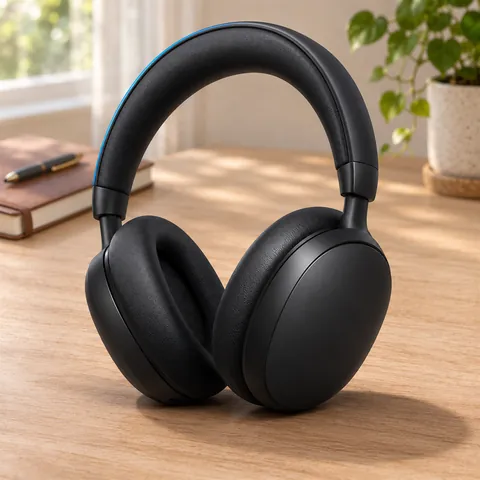 Clean desk
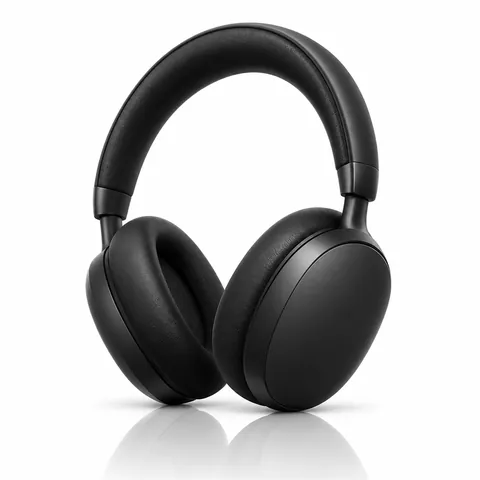 White + reflection
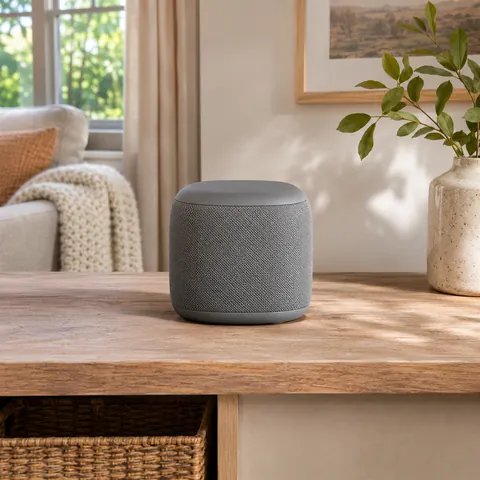 Living room setup
 Kitchen counter
 On a shelf
 Bathroom shelf
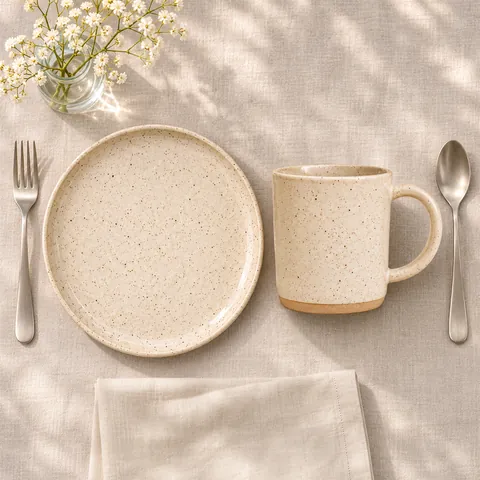 Table setting
 In a styled room
 Furniture cut-out
 Warm studio set
 Outdoor patio
 Bright playroom
 Colour pop
 Box front
 Cosy home floor
 Garden grass
 Food and bowl
Sign in to your tools once. No API keys to copy or paste.
Approve access on Shopify. Edited images go to the product you matched, replacing or adding to its gallery.
Sign in to your ERP so SKUs and item names match your stock records.
Keep a backup of every original and edited photo in your own Drive.
Staff shoot, admins approve. Everyone sees the same queue.
Staff capture and queue. Admins approve, connect tools and manage people.
One balance for the store. See what is left and what each month used.
Every edit waits for a person to say yes before it reaches customers.
Who uploaded, edited, approved or deleted what, and when.
Deleted photos wait in Trash until an admin empties it.
We never use your images to train AI models. Each store's data is kept apart.
Card required to start, nothing charged for 30 days, cancel any time. Failed edits never count.
$29/month
Most picked
$79/month
$199/month
Every plan starts with 30 days free. You add a card at sign-up so there is no interruption later, and nothing is charged until the trial ends. Cancel any time before then in Billing and you pay nothing.
Each edited photo uses 5 credits, and each plan shows how many edited photos it includes. If an edit fails before it reaches the editing engine, the credits go straight back. Need more in a busy month? Buy a credit pack any time.
Paddle, our reseller, processes cards, adds the right sales tax and sends receipts. You can update your card, download invoices or cancel from Billing.
No. Pick a look such as White packshot or Kitchen counter. Each look is tuned for product photos, so you get the same style across your whole catalogue.
Your admin clicks Connect Shopify and approves access on Shopify itself. No API keys to copy. Images go to the product you matched, and only after you approve them.
You do. Your originals and edits belong to your business, and we never use them to train AI models.
Yes. Staff capture and queue photos, admins approve, connect tools and manage people. Every change is recorded in an activity log.
Clothing, kids and baby, electronics, household, furniture, toys and pet supplies. Answer five short questions and you see the looks made for what you sell.